Patient Dashboard
Patient Dashboard
Individual patient dashboards can be accessed by clicking on the patient’s name on the RTM Dashboard.
From the patient dashboard, users can:
- View progress towards billable units
- Review patient and remote therapist activity log
- Send HEPs
- Make calls (remote PT only)
- Record monitoring time (remote PT only)
Billable Unit Progress
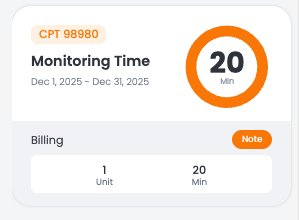
Progress towards billable units (98981, 98980, 98977, 98975, 98979, 98985) can be viewed on the left side of the patient dashboard. Documentation notes for each unit is automatically generated by the platform, and can be viewed by clicking on the Note button.
For more information about billing requirements and reimbursement rates, visit CPT Codes.
Patient Report
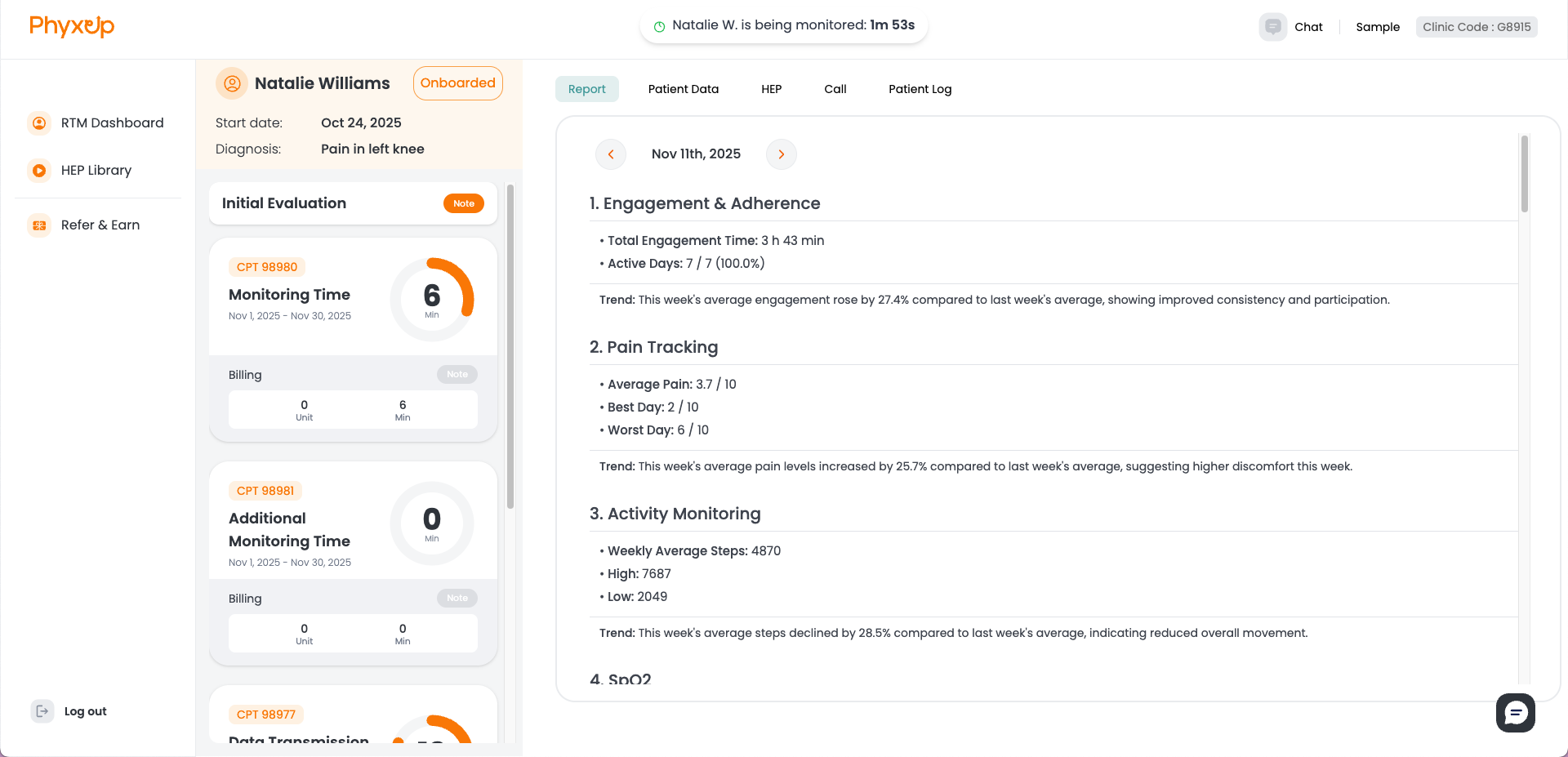
The patient report page is updated weekly and provides an overview of patient data, HEP status, and activity logs. Reports from past weeks can be viewed through the arrow navigation.
Patient Data
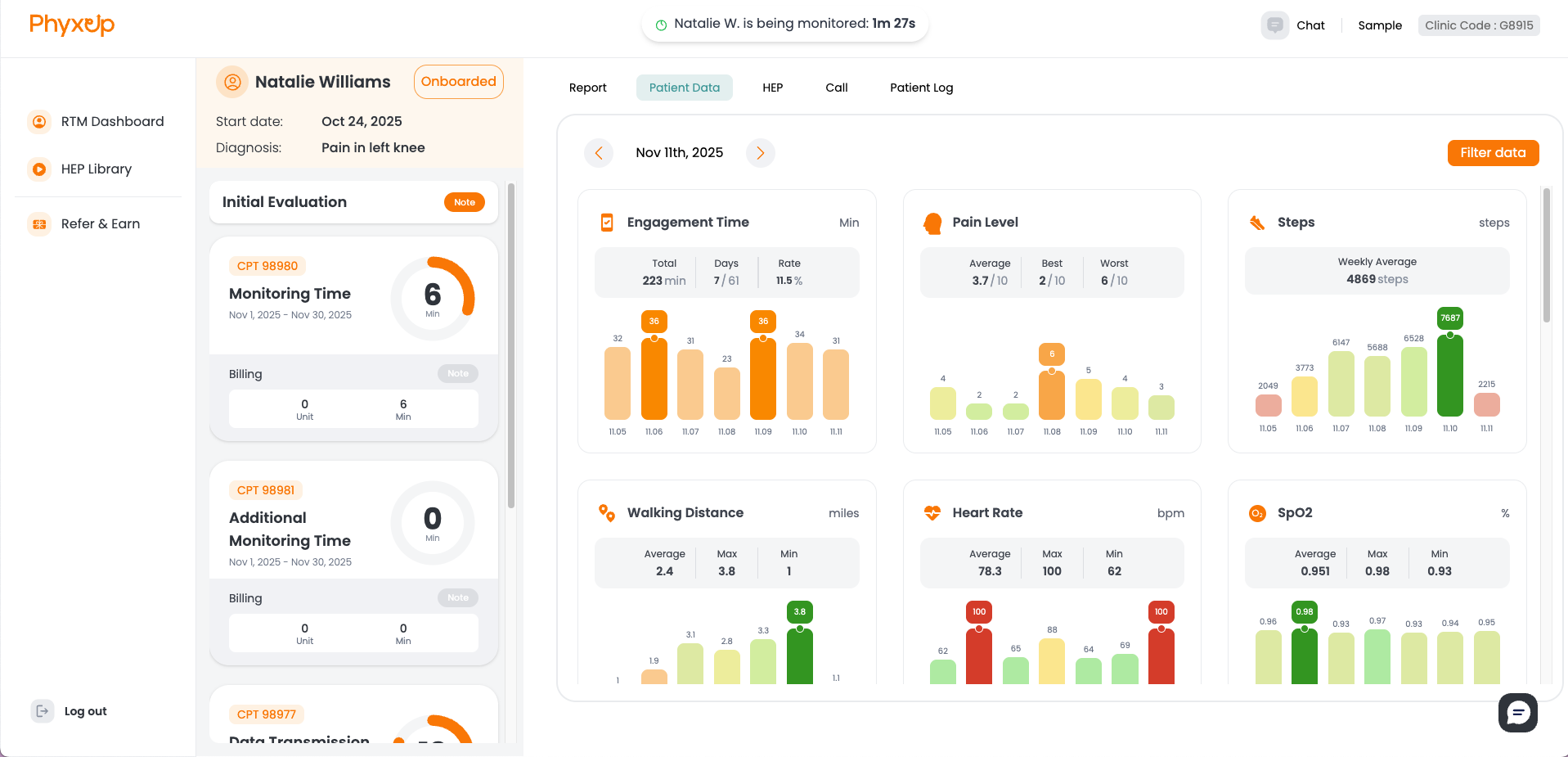
The patient data page provides an overview of patient data that has been uploaded or self-reported through the PhyxUp mobile app. The page displays engagement time, pain level, native health data (eg. Apple Health), as well as custom data that the therapist can create. The data displayed can be adjusted using Filter data on the top right side of the page.
HEP

The HEP page provides an overview of all Home Exercise Programs assigned to a patient, including patient feedback such as ratings, reported pain levels, notes, and assignment history. From this tab, you can edit or remove existing HEP assignments. To view detailed HEP feedback, select the note icon under the History column.
Clinics may also customize their RTM workflow to require clinic approval before remote therapists assign or modify HEPs. When this setting is enabled, HEP approval requests will appear directly within the HEP tab for review. To enable this setting, send a request to support@phyxuphealth.com.
Call
Under the Fully Managed RTM Service, only remote therapists should access the call tab and feature directly through the platform in order to avoid multiple therapists recording monitoring time for an individual patient.
Patient Log
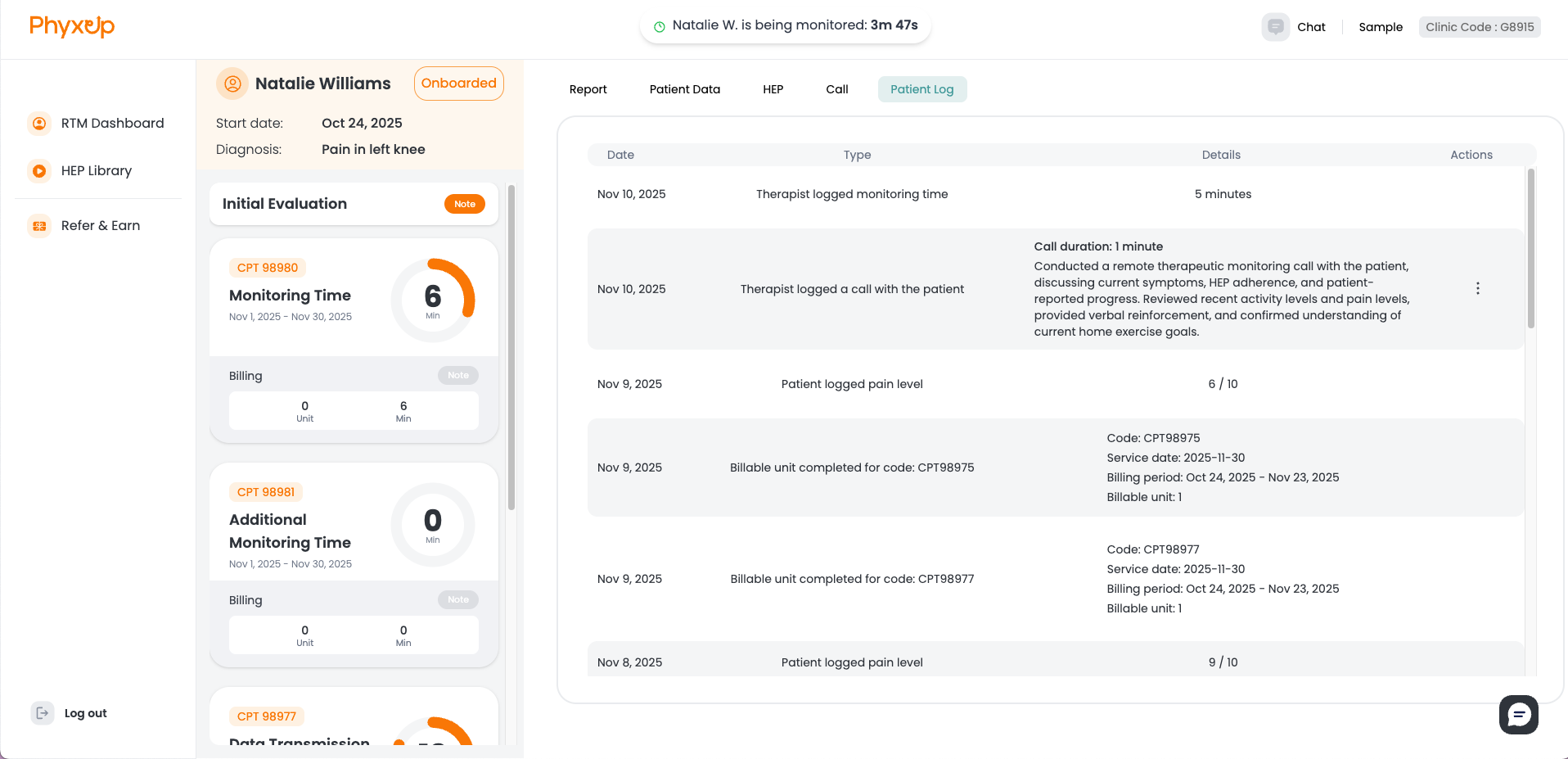
The patient log page provides an automatically generated overview of recorded patient pain levels, remote therapist activity, including monitoring time and call logs, and progress toward billable units.